How to draw on your screen
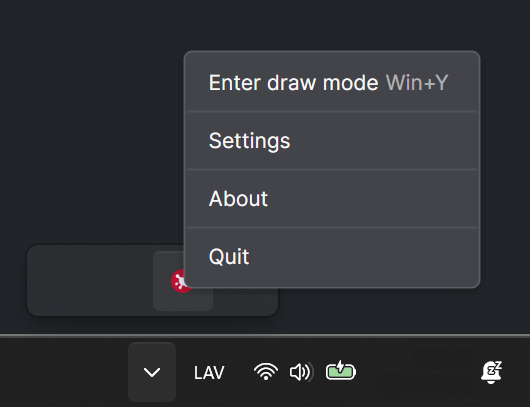
With iScribby, you can draw directly on your screen by entering Draw Mode. In order to find the shortcut, you can find the tray icon for it, right click on it and look for an option titled "Enter draw mode". During this mode your inputs will be restricted to iScribby specifically. You can exit draw mode at any time by hitting the same shortcut again or pressing the escape key.